Project Overview
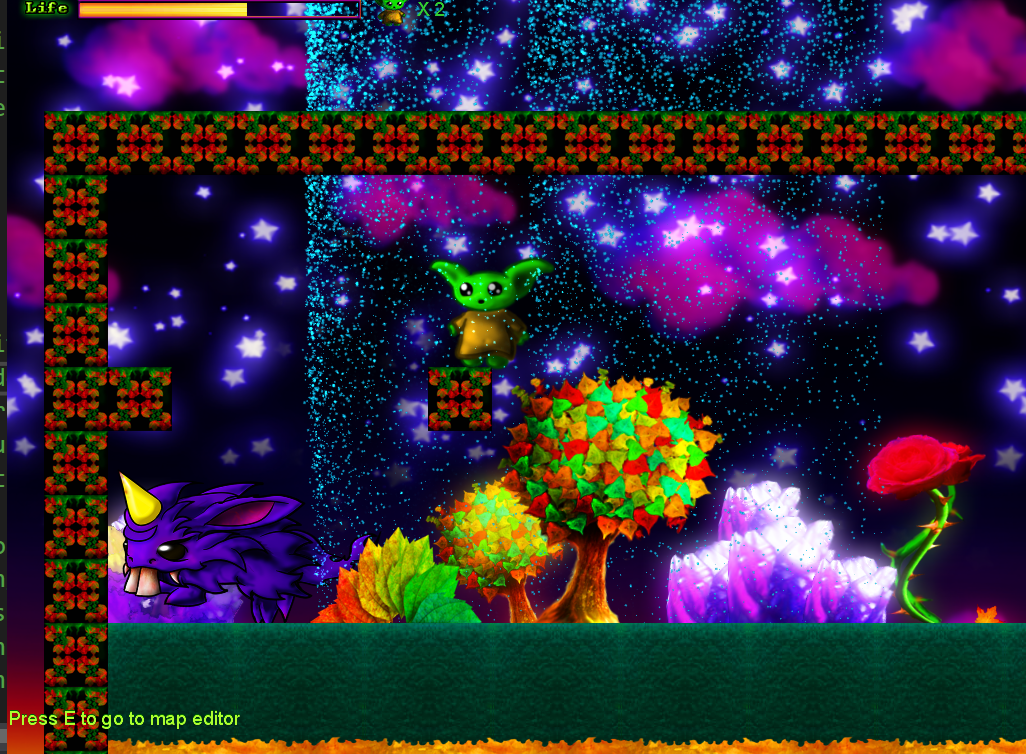
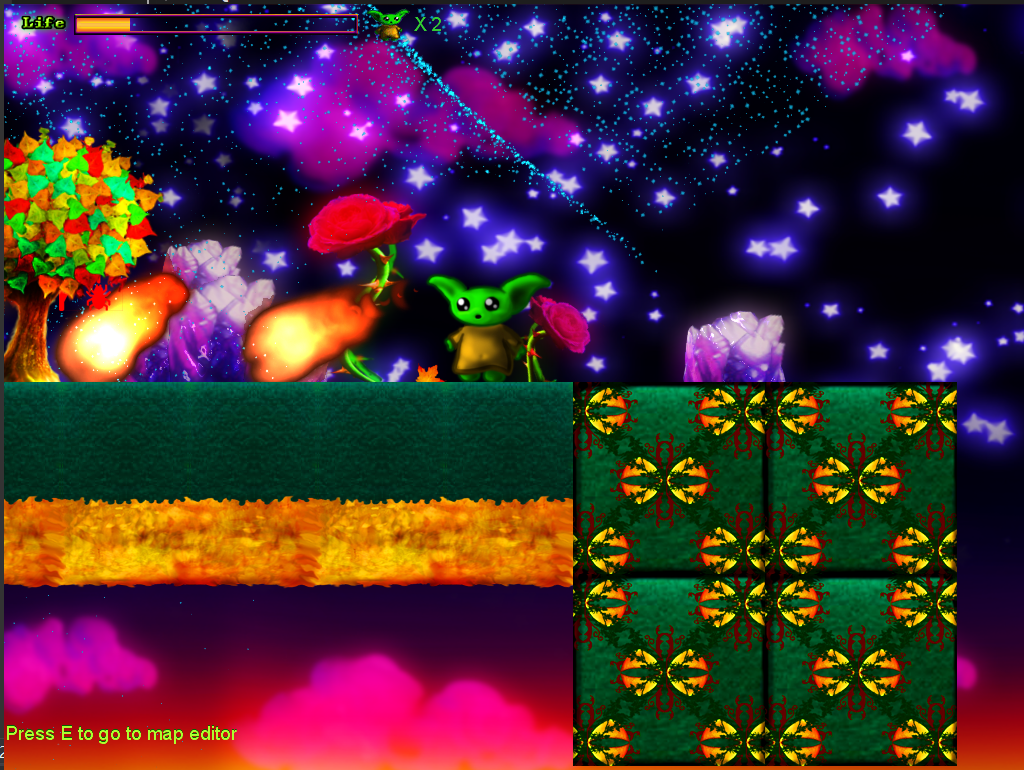
A feature-rich 2D platformer game built with MonoGame framework, showcasing advanced game development techniques including custom physics systems, sprite animation, level design, and cross-platform deployment. The game features smooth character movement, engaging gameplay mechanics, and polished visual effects.
This project demonstrates proficiency in C# programming, game engine architecture, 2D graphics programming, and cross-platform game development. The platformer includes multiple levels, collectibles, enemies, and a progression system that creates an engaging player experience.
Key Features
Custom Physics Engine
Implemented gravity, collision detection, and responsive platformer physics for smooth character movement.
Sprite Animation System
Frame-based animation system with smooth transitions between running, jumping, and idle states.
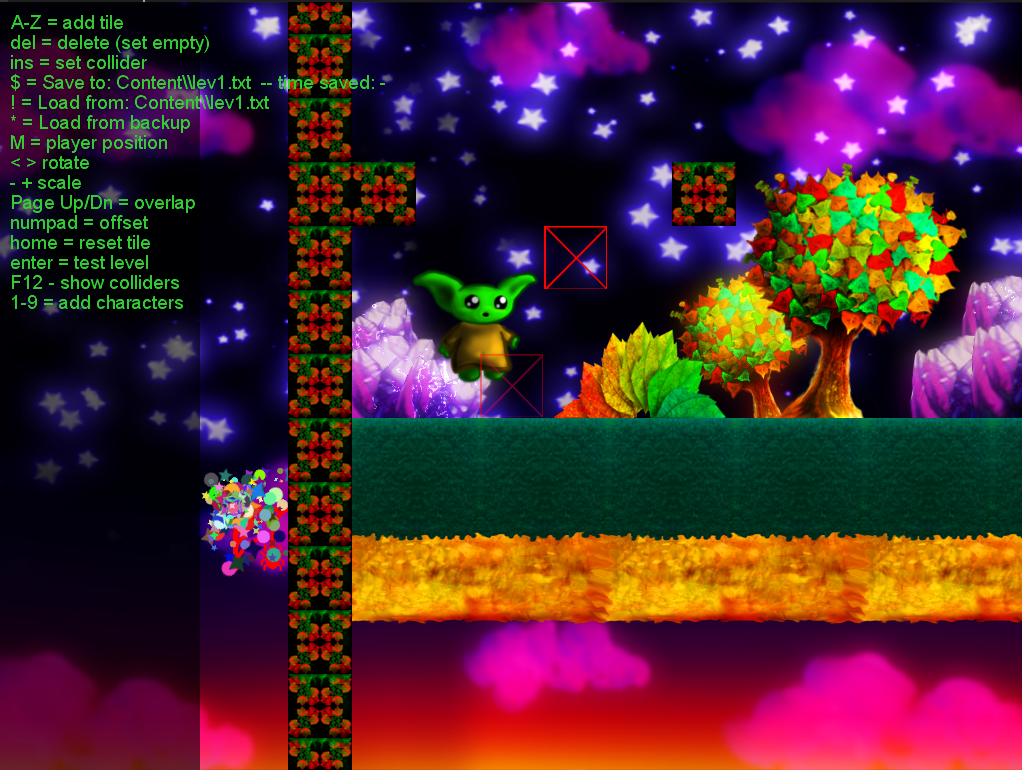
Built-in Level Editor
Comprehensive level design tools with real-time editing, collision visualization, and tile placement system.
Enemy AI Behavior
Intelligent enemy movement patterns with pathfinding and player detection systems.
Combat & Magic System
Spell casting mechanics with visual effects, damage systems, and attack collision detection.
Cross-Platform Support
Deployable to Windows, Mac, Linux, and mobile platforms using MonoGame's cross-platform capabilities.
Technical Implementation
Built using the MonoGame framework with C#, leveraging object-oriented programming principles and game development design patterns for maintainable and scalable code architecture.
Core Technologies:
- MonoGame Framework - Cross-platform game development framework
- C# Programming - Object-oriented game logic and systems
- Content Pipeline - Asset management and optimization
- SpriteBatch Rendering - Optimized 2D graphics rendering
- Custom Physics - Collision detection and response systems
Animation & Character System:
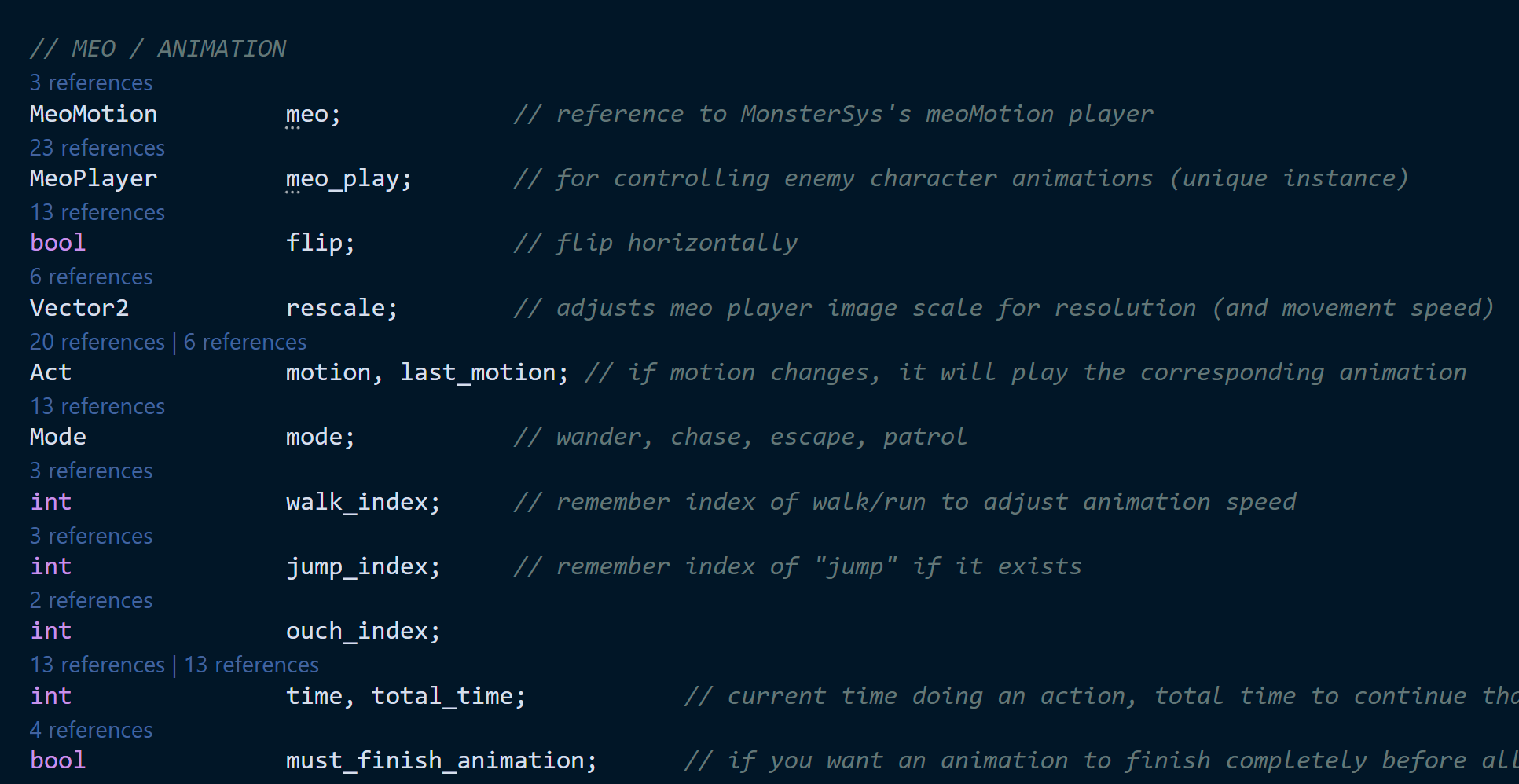
The game features a sophisticated animation system with multiple character states and smooth transitions:
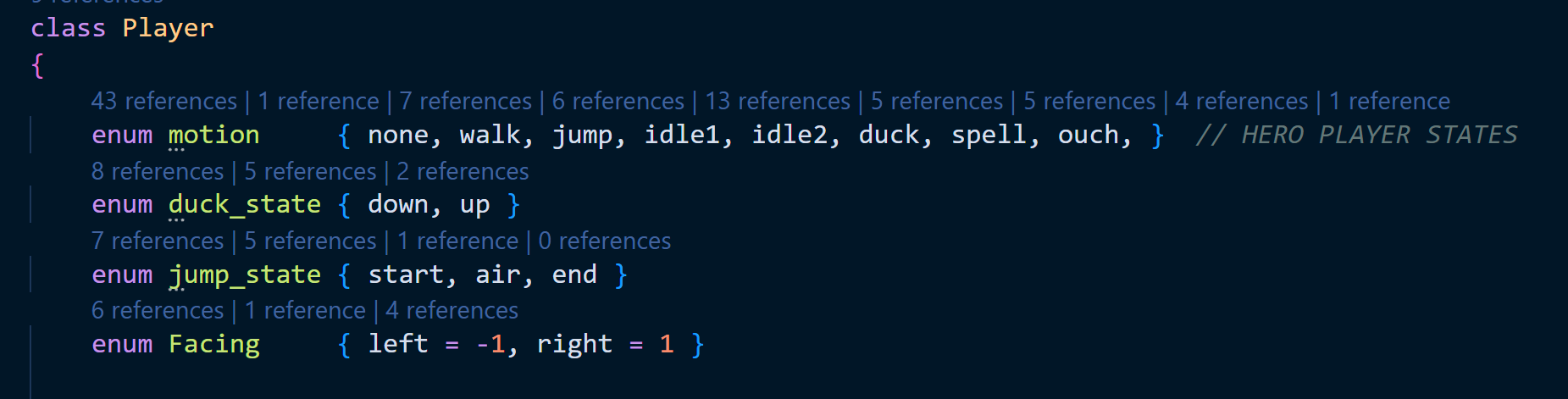
// Player state management with animation transitions
public enum motion { none, walk, jump, idle1, idle2, duck, spell, ouch }
public enum duck_state { down, up }
public enum jump_state { start, air, end }
public enum Facing { left = -1, right = 1 }

// Animation control with MeoMotion and MeoPlayer systems
MeoMotion meo;                    // reference to MonsterSys's meoMotion player
MeoPlayer meo_play;               // for controlling enemy character animations
bool flip;                        // flip horizontally
Vector2 rescale;                  // adjusts meo player image scale for resolution
Physics & Movement System
The platformer implements realistic physics with precise collision detection and responsive character controls:
Physics Constants:
// Physics constants for realistic platformer feel
const float GRAVITY = 0.25f;
const float MAX_FALL_SPEED = 20;
const float MAX_VELOCITY = 7.3f;        // max walk/run speed
const float MAX_JUMP = -12;             // maximum jump-up speed

// Player collision and positioning
const int half_player_width = 32;
const int player_feet_offset = 26;
const int player_head_offset = 71;
Input System Implementation:
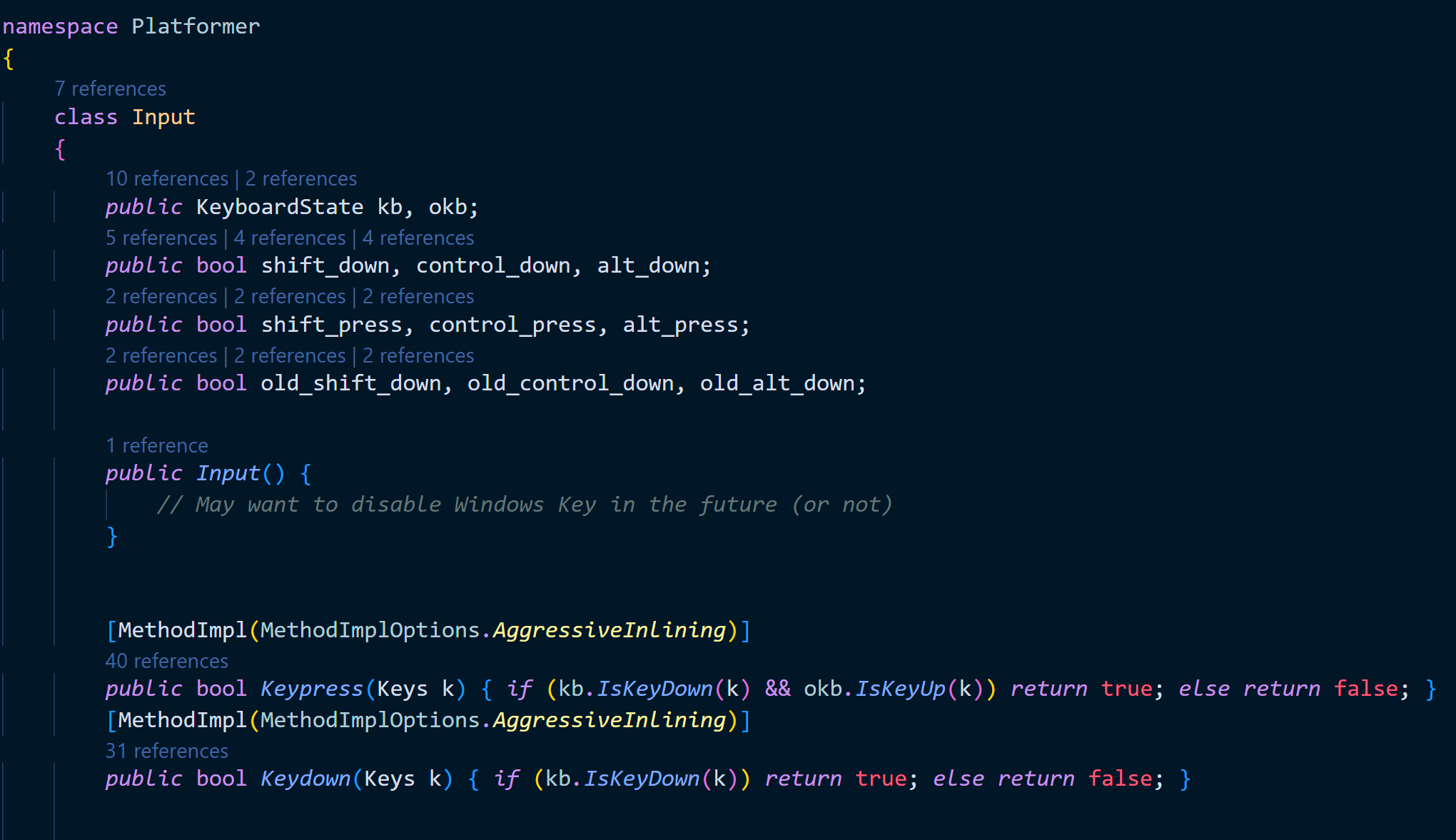
// Responsive input handling with state tracking
public KeyboardState kb, okb;
public bool shift_down, control_down, alt_down;
public bool shift_press, control_press, alt_press;

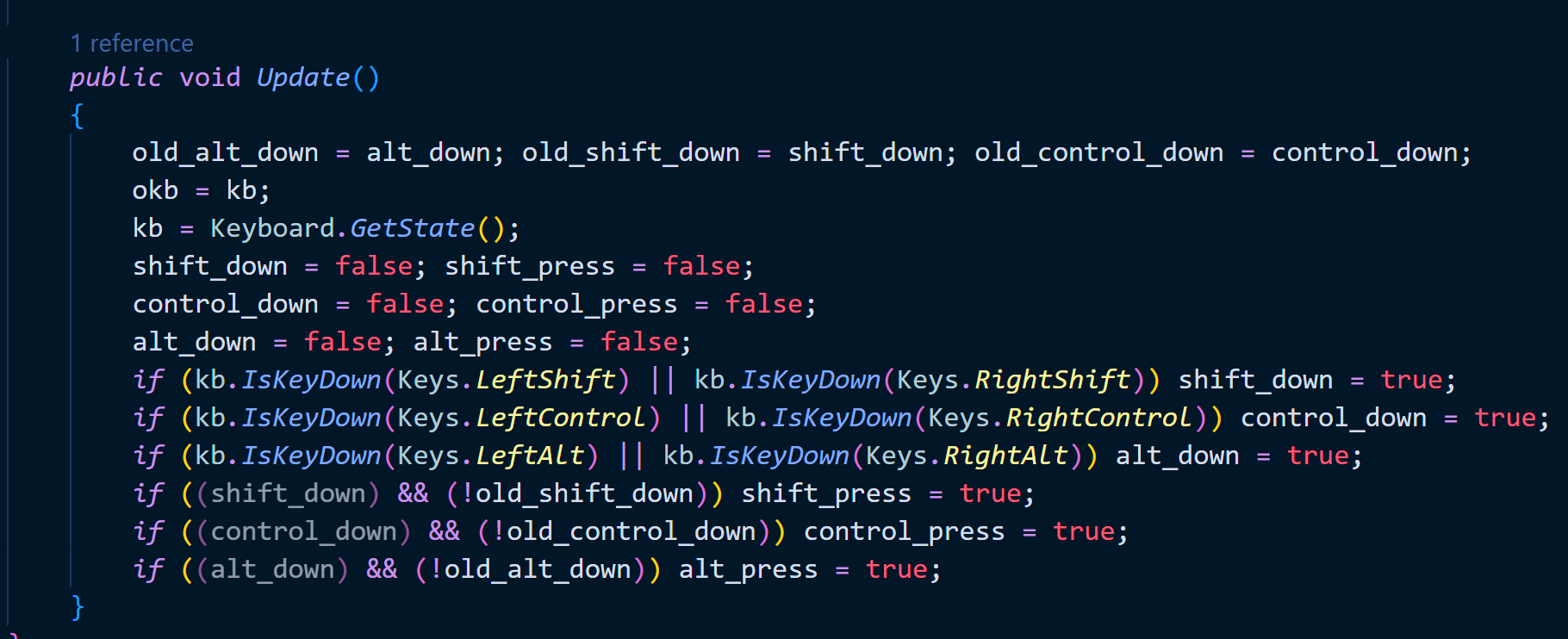
public void Update()
{
    old_alt_down = alt_down; old_shift_down = shift_down; old_control_down = control_down;
    okb = kb;
    kb = Keyboard.GetState();

    // Detect key press events (not just held down)
    if ((shift_down) && (!old_shift_down)) shift_press = true;
    if ((control_down) && (!old_control_down)) control_press = true;
    if ((alt_down) && (!old_alt_down)) alt_press = true;
}
Enemy AI & Monster System
The game features intelligent enemy behavior with different monster types and sophisticated AI patterns:
Monster Types & Behavior:
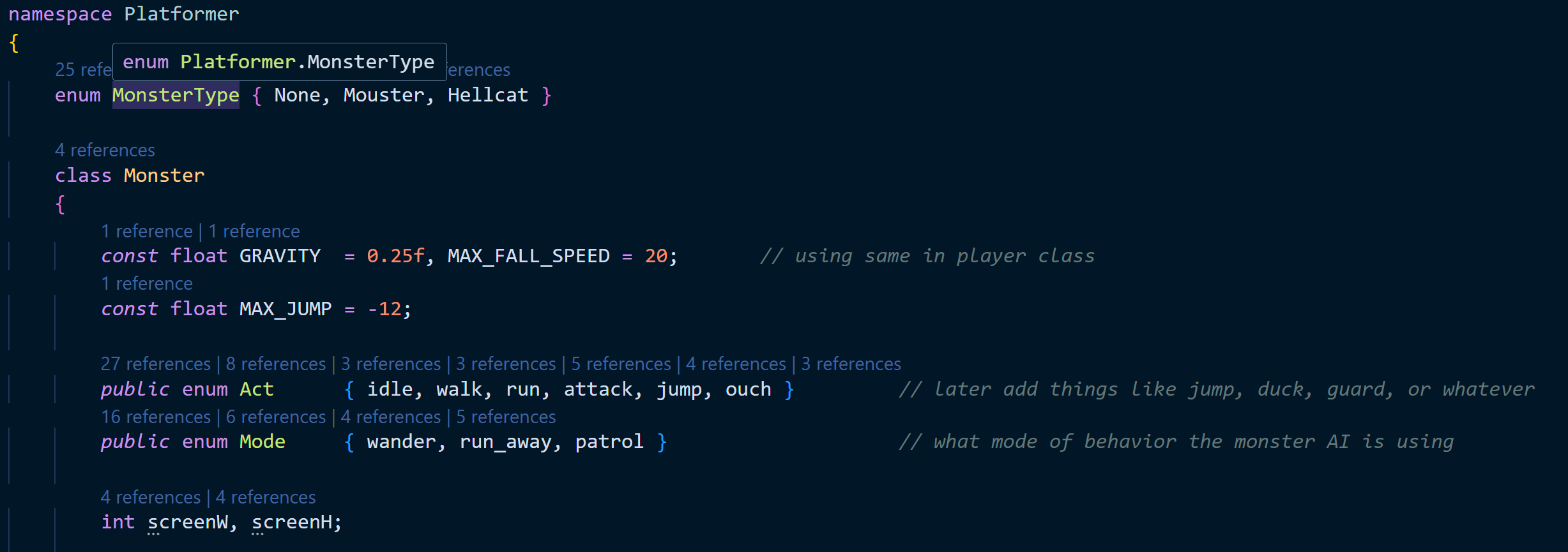
// Monster type system with different AI behaviors
enum MonsterType { None, Mouster, Hellcat }

public class Monster
{
    const float GRAVITY = 0.25f, MAX_FALL_SPEED = 20;
    const float MAX_JUMP = -12;

    public enum Act { idle, walk, run, attack, jump, ouch }    // AI states
    public enum Mode { wander, chase, escape, patrol }        // AI behavior modes

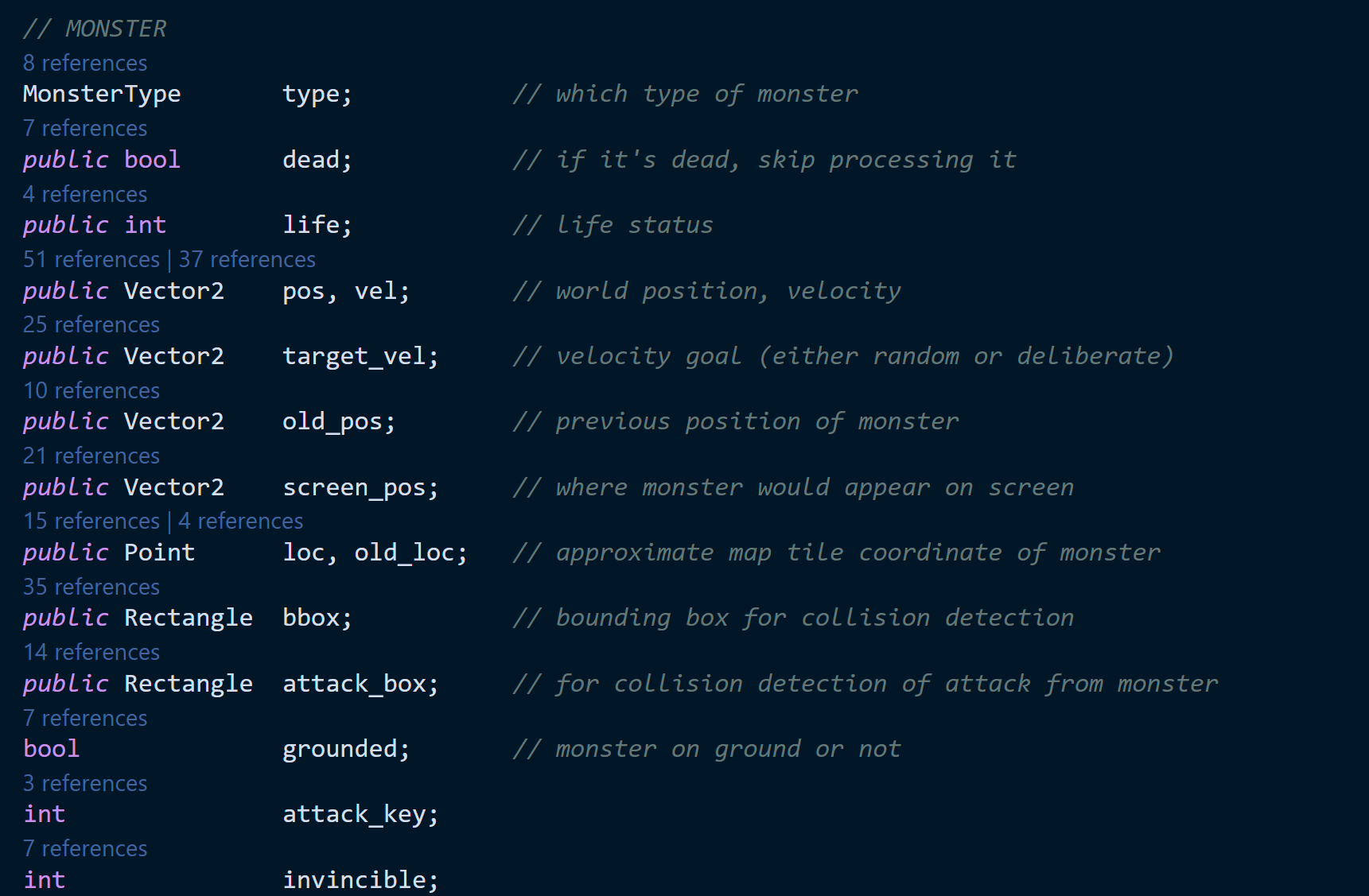
    MonsterType type;           // which type of monster
    public bool dead;           // if it's dead, skip processing it
    public int life;            // life status
    public Vector2 pos, vel;    // world position, velocity
    public Vector2 target_vel;  // velocity goal (either random or deliberate)
    public Rectangle bbox;      // bounding box for collision detection
    public Rectangle attack_box;// for collision detection of attack from monster
    bool grounded;             // monster on ground or not
}
HUD & User Interface
The game includes a comprehensive HUD system with health management, score tracking, and visual feedback:
HUD Components:
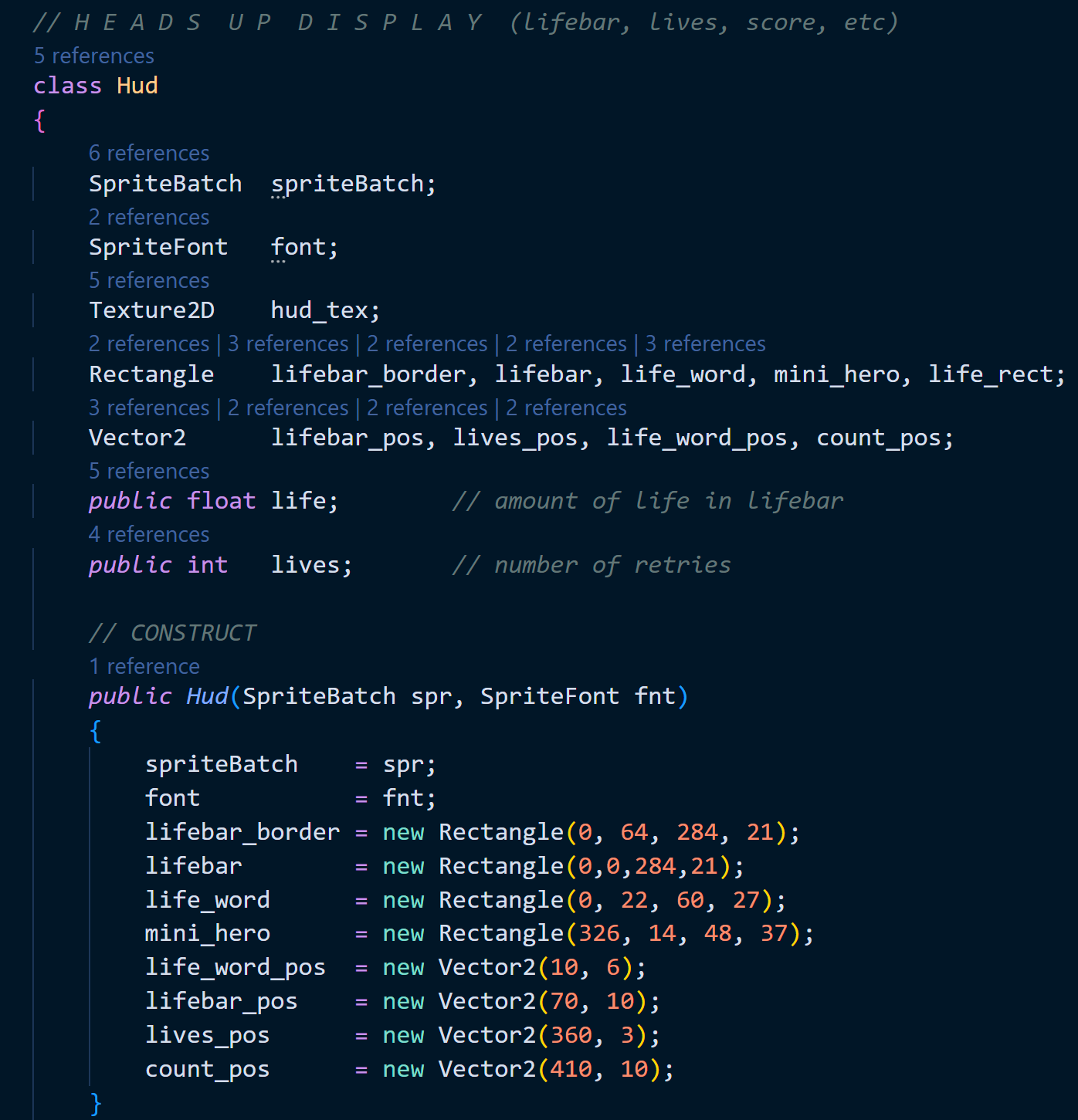
// HUD class for displaying player status
class Hud
{
    SpriteBatch spriteBatch;
    SpriteFont font;
    Texture2D hud_tex;
    Rectangle lifebar_border, lifebar, life_word, mini_hero, life_rect;
    Vector2 lifebar_pos, lives_pos, life_word_pos, count_pos;
    public float life;         // amount of life in lifebar
    public int lives;          // number of retries

    public Hud(SpriteBatch spr, SpriteFont fnt)
    {
        spriteBatch = spr;
        font = fnt;
        lifebar_border = new Rectangle(0, 64, 284, 21);
        lifebar = new Rectangle(0,0,284,21);
        life_word = new Rectangle(0, 22, 60, 27);
        mini_hero = new Rectangle(326, 14, 48, 37);
        life_word_pos = new Vector2(10, 6);
        lifebar_pos = new Vector2(70, 10);
        lives_pos = new Vector2(360, 3);
        count_pos = new Vector2(410, 10);
    }
}
System Architecture
The game implements a modular architecture with well-defined system boundaries and clear separation of concerns:

Core Game Systems:
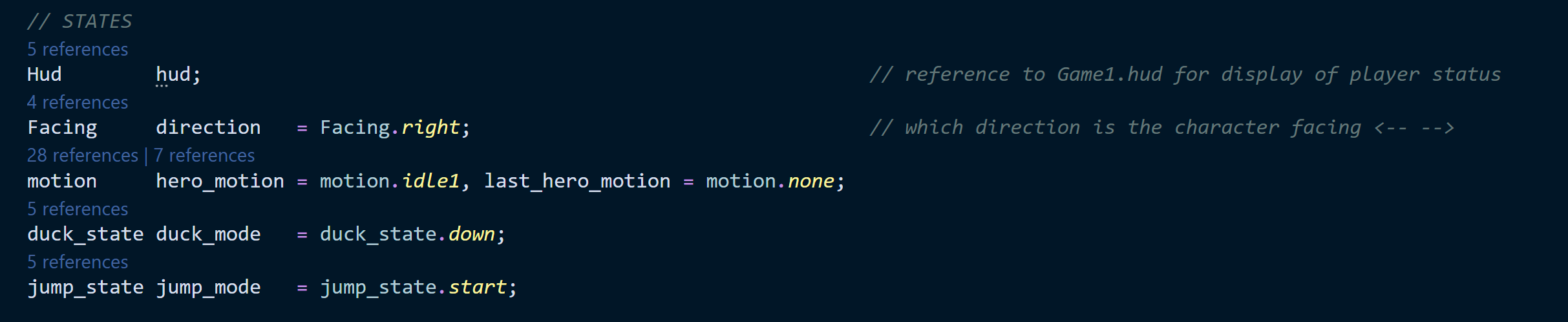
// Game state management and core systems
Hud hud;                      // reference to Game1.hud for display of player status
Facing direction = Facing.right; // which direction is the character facing
motion hero_motion = motion.idle1, last_hero_motion = motion.none;
duck_state duck_mode = duck_state.down;
jump_state jump_mode = jump_state.start;

// Coordinate system management
public Vector4 bbox;           // bounding box used in other modules
public Vector2 pos;            // player's position in world coordinates
public Vector2 screen_pos;     // player's position as it appears on screen
public Point loc;              // player tile-map location
Vector2 old_pos;              // previous world position
Point old_loc;                // previous map location (in tiles)
Vector2 snow_loc;             // snow location
Vector2 vel;                  // player's velocity
float MAX_JUMP = -14f;        // maximum jump-up speed
bool grounded;               // player on ground or not
Level Design & Built-in Editor
The game features a comprehensive level editor integrated directly into the gameplay experience:
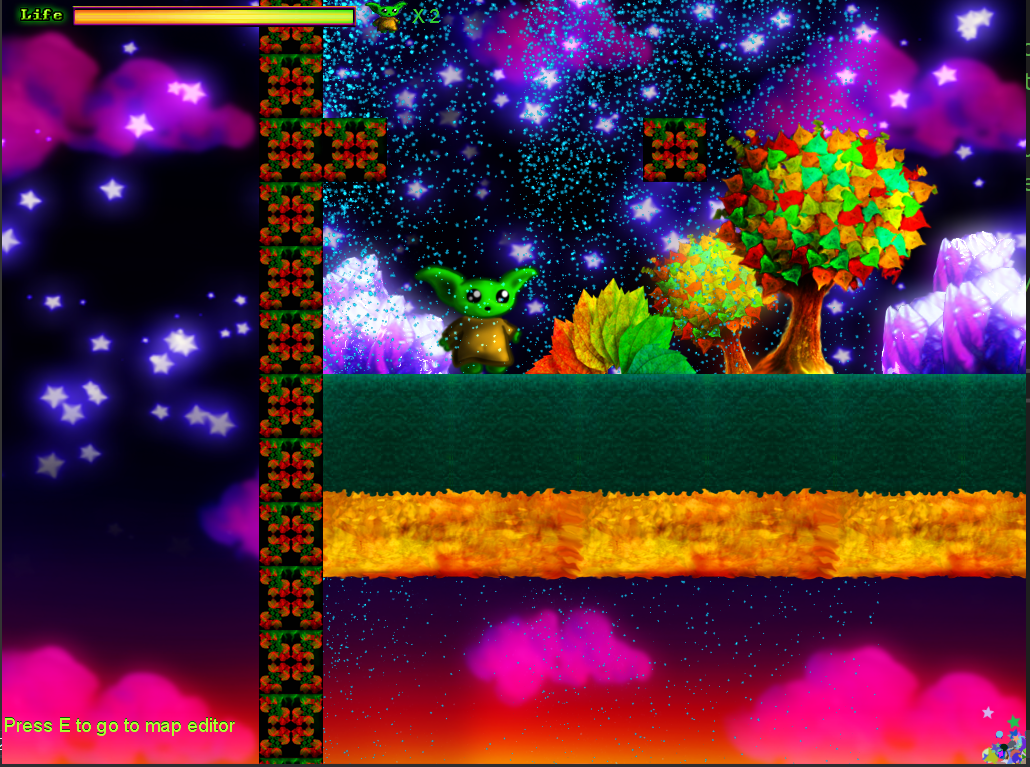
Level Editor Features:
- Tile Placement - A-Z keys for adding different tile types and terrain
- Collision Editing - Visual collision box editing with F12 debug view
- Character Placement - 1-9 keys for adding different characters and enemies
- Save/Load System - Export levels to Content\\lev1.txt format
- Real-time Testing - Enter key for instant level testing
- Visual Feedback - Red collision boxes and tile placement indicators
Advanced Level Features:
- Dynamic Backgrounds - Parallax scrolling space environments
- Interactive Elements - Spring platforms, collectible management
- Environmental Hazards - Lava, spikes, and moving platforms
- Atmospheric Effects - Particle systems and visual polish
Advanced Game Mechanics
Combat System:
The game implements a sophisticated combat system with multiple interaction types:
- Spell Casting - Magic projectile system with visual effects
- Collision Detection - Separate bounding boxes for movement and attack
- Damage System - Health management with visual feedback
- Enemy Interactions - Multiple monster types with unique behaviors
Character Movement:
Responsive platformer controls with realistic physics:
- Variable Jump Height - Jump height based on input duration
- Ground Detection - Precise collision detection for jumping
- Momentum System - Realistic acceleration and deceleration
- State Transitions - Smooth animation between movement states
Visual Systems:
Polished visual presentation with dynamic effects:
- Sprite Flipping - Automatic character orientation based on movement
- Animation Timing - Frame-perfect sprite animation system
- Screen Effects - Dynamic camera positioning and visual feedback
- UI Integration - Responsive HUD with health and status indicators
Development Challenges & Solutions
Frame-Rate Independent Physics:
Challenge: Ensuring consistent physics behavior across different frame rates and platforms.
Solution: Implemented delta time-based physics calculations with fixed timestep integration for stable collision detection and movement.
Complex Animation State Management:
Challenge: Managing multiple animation states with smooth transitions and timing.
Solution: Created a comprehensive enum-based state system with transition logic and frame timing controls for seamless animation flow.
Level Editor Integration:
Challenge: Building a level editor that works seamlessly within the game runtime.
Solution: Developed a real-time editing system with visual feedback, instant testing capabilities, and persistent save/load functionality.
Cross-Platform Compatibility:
Challenge: Ensuring consistent gameplay experience across different platforms and input methods.
Solution: Used MonoGame's cross-platform capabilities with abstracted input handling and scalable rendering systems.
Future Enhancements
Planned improvements and additional features for continued development:
- Multiplayer Mode - Local co-op gameplay with shared screen mechanics
- Enhanced Level Editor - Visual tile palette, brush tools, and advanced editing features
- Mobile Controls - Touch-optimized interface for mobile platforms
- Boss Battles - Complex enemy encounters with unique mechanics and patterns
- Story Mode - Narrative elements and character development progression
- Sound System - Dynamic audio with environmental effects and music
- Achievement System - Progress tracking and unlock rewards
- Online Leaderboards - Competitive scoring and time trial rankings